Designing Empathy Into Education
For my independent study under Professor Adler, I joined the Figma Design team building the Accessibility Games — an educational resource teaching users about cognitive, visual, and hearing challenges.
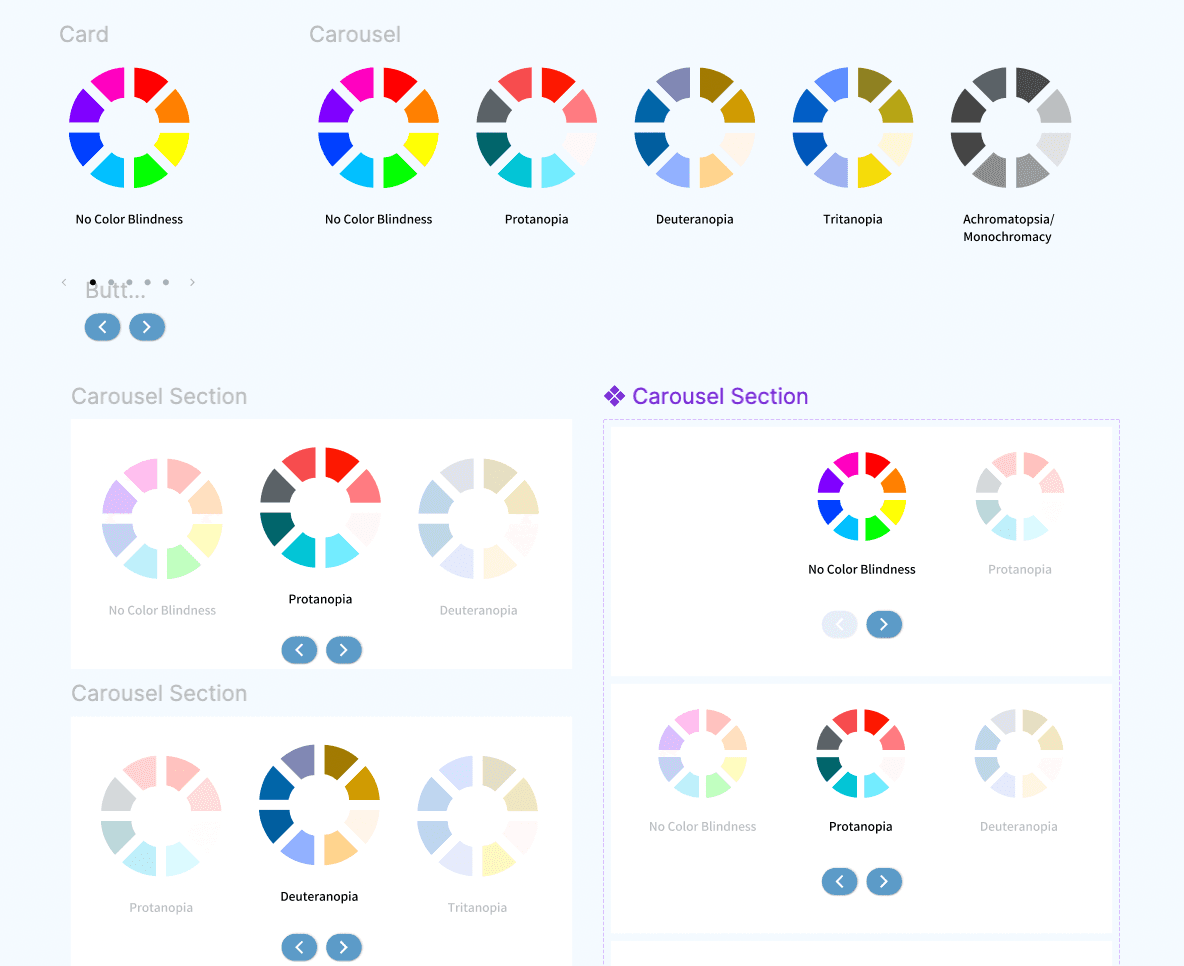
I collaborated with both Professor Adler and Dr. Klentenik to develop 6 interactive resource pages — Color Blindness, Blindness, Low Vision, Dyslexia, Deafness, and Motor Impairments — designing and prototyping 24 dropdowns with unique example graphics and 6 carousel infographics.
Turning dense accessibility research into interface content that was easy to understand. My first examples were either too technical or suffered from information overload.
Design 6 resource pages that make cognitive, visual, and hearing accessibility genuinely understandable, through interaction, not just text.
From research to resource pages
Every page had to translate real accessibility research into something a UIUC student could understand in seconds.
Joined Professor Adler's independent study as part of the Figma Design team, tasked with turning accessibility research into an interactive educational resource.
Collaborated with Professor Adler and Dr. Klentenik to scope 6 resource pages: Color Blindness, Blindness, Low Vision, Dyslexia, Deafness, and Motor Impairments.
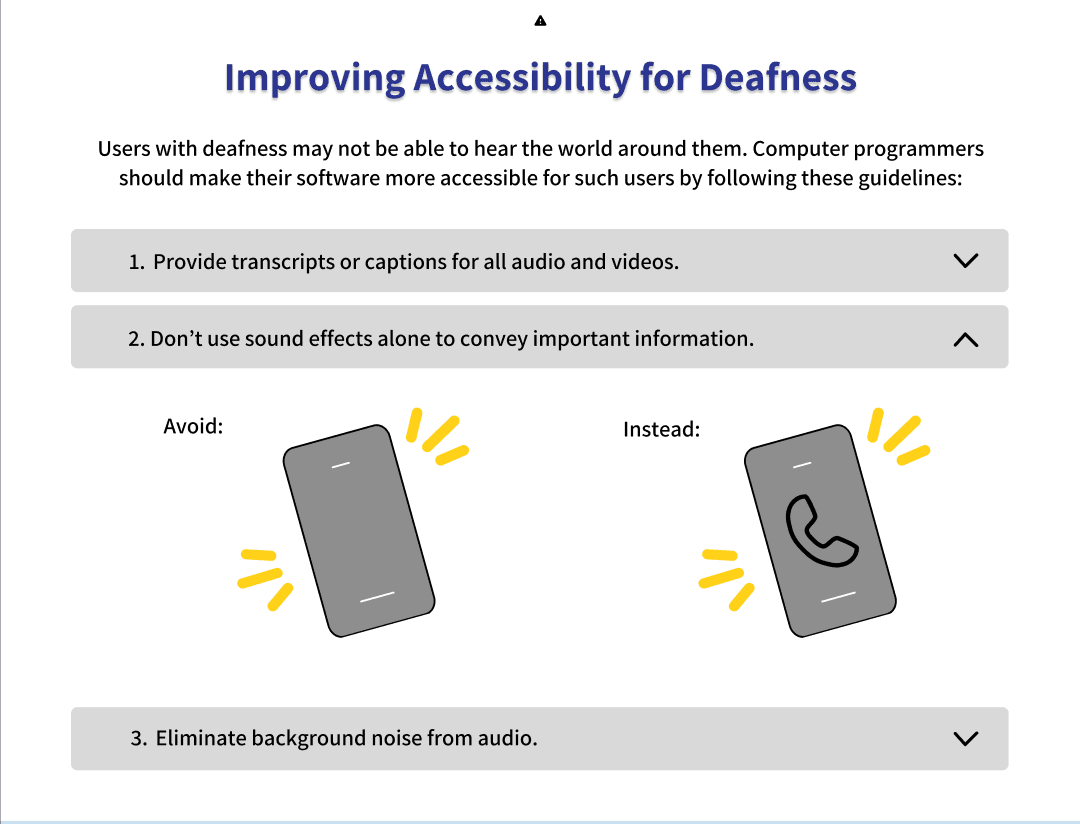
Designed and prototyped 24 dropdowns, each paired with a unique example graphic illustrating a specific accessibility challenge.
Created 6 carousel infographics, one per resource page, to make each accessibility topic scannable and visually digestible.
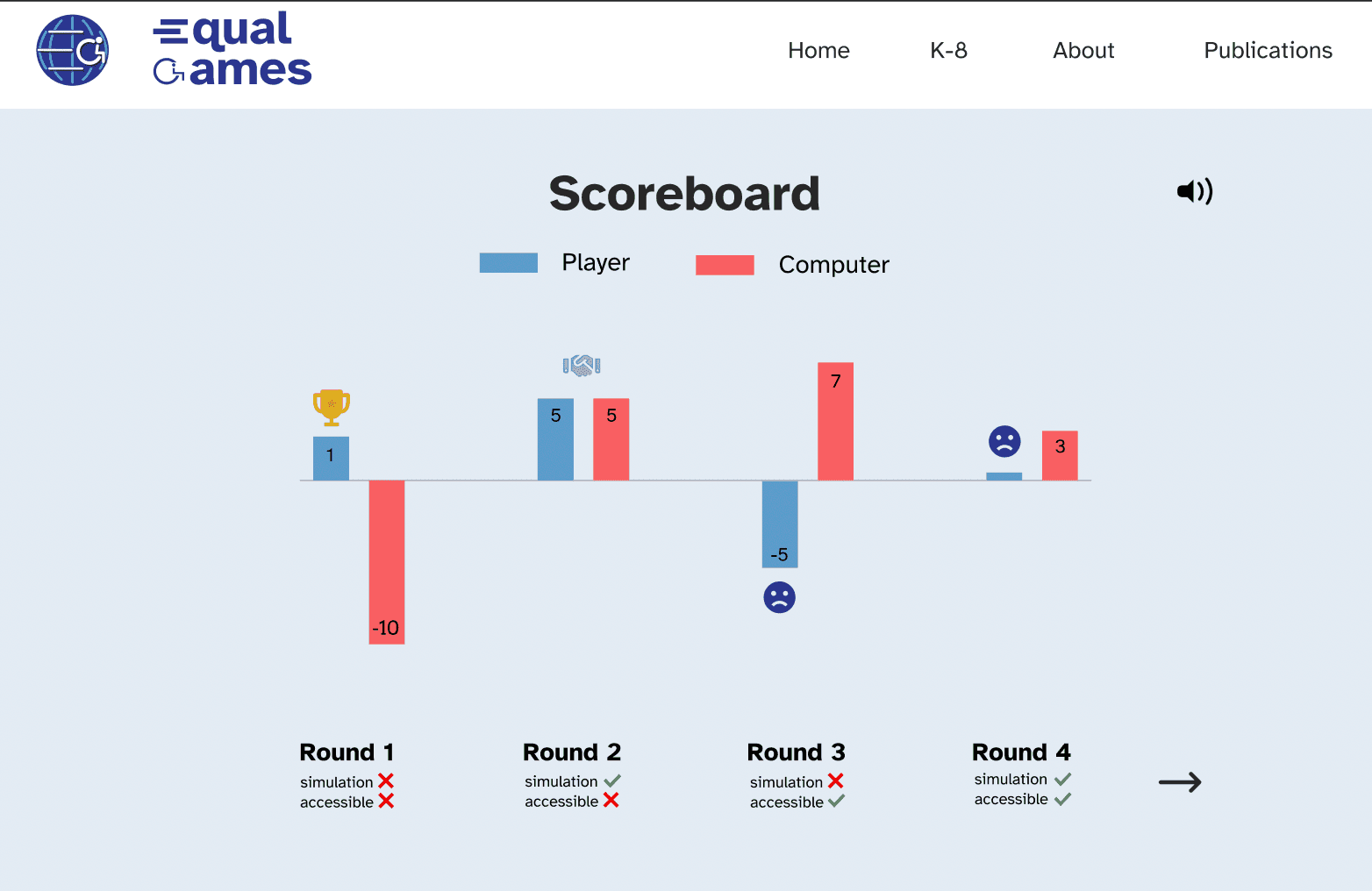
Completed the win/loss results page along with an alternating icon placement and selection system used throughout the games.
Tested designs with Professor Adler, Dr. Klentenik, and UIUC students, iterating on feedback and practicing empathy to simplify the user flow.
Research as problem-solving.
This Fall internship taught me that great design research is iterative by nature, showing me ways I can help other students discover the same impact research can have on real-world problems.
Like what you see?
Let's talk about how I can bring this same impact to your team.